
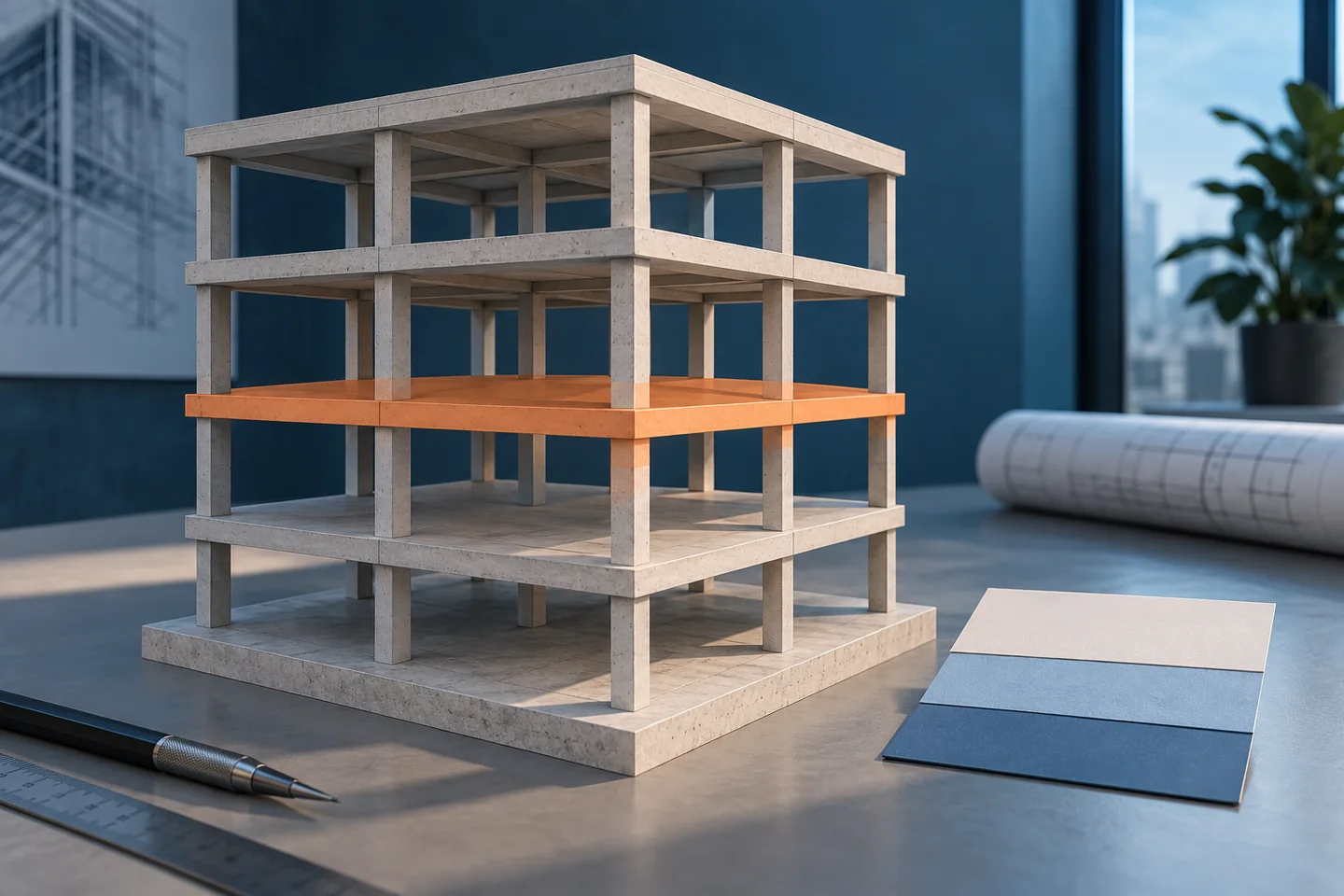
Choose the pilot question
Before creating a visual sequence, write down the question. Are you reviewing construction sequence, comparing planned and actual progress, or tracking one quantity item? Select one objective and a reviewable scope.
Identify every source
Collect the model revision, zone boundary, schedule activity identifiers, and data cut-off date. If cost is included, record the price source and units. If actual progress is included, identify its source and approval status.
Review links before visuals
Sample elements and activities and check that their links reflect the intended work scope. You may need to split a broad activity or group elements into work packages. Document unlinked elements rather than hiding them.
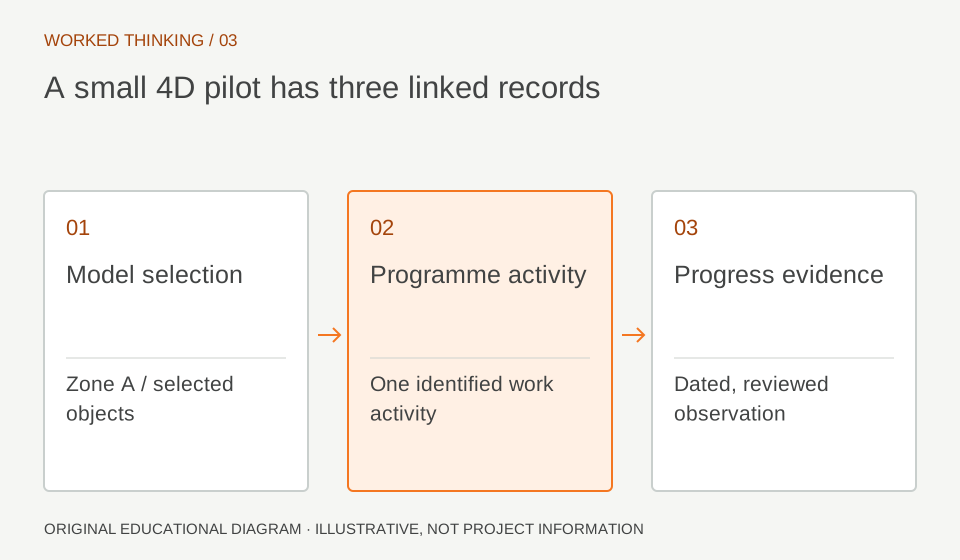
Read diagram notes
- Model selection
- Zone A / selected objects
- Programme activity
- One identified work activity
- Progress evidence
- Dated, reviewed observation
Accept the pilot with evidence
Produce a reviewable mapping table, an issue register, and views that explain the result. This is a suggested pilot approach. Expand it when source quality and mapping accuracy are sufficient for the intended use.