
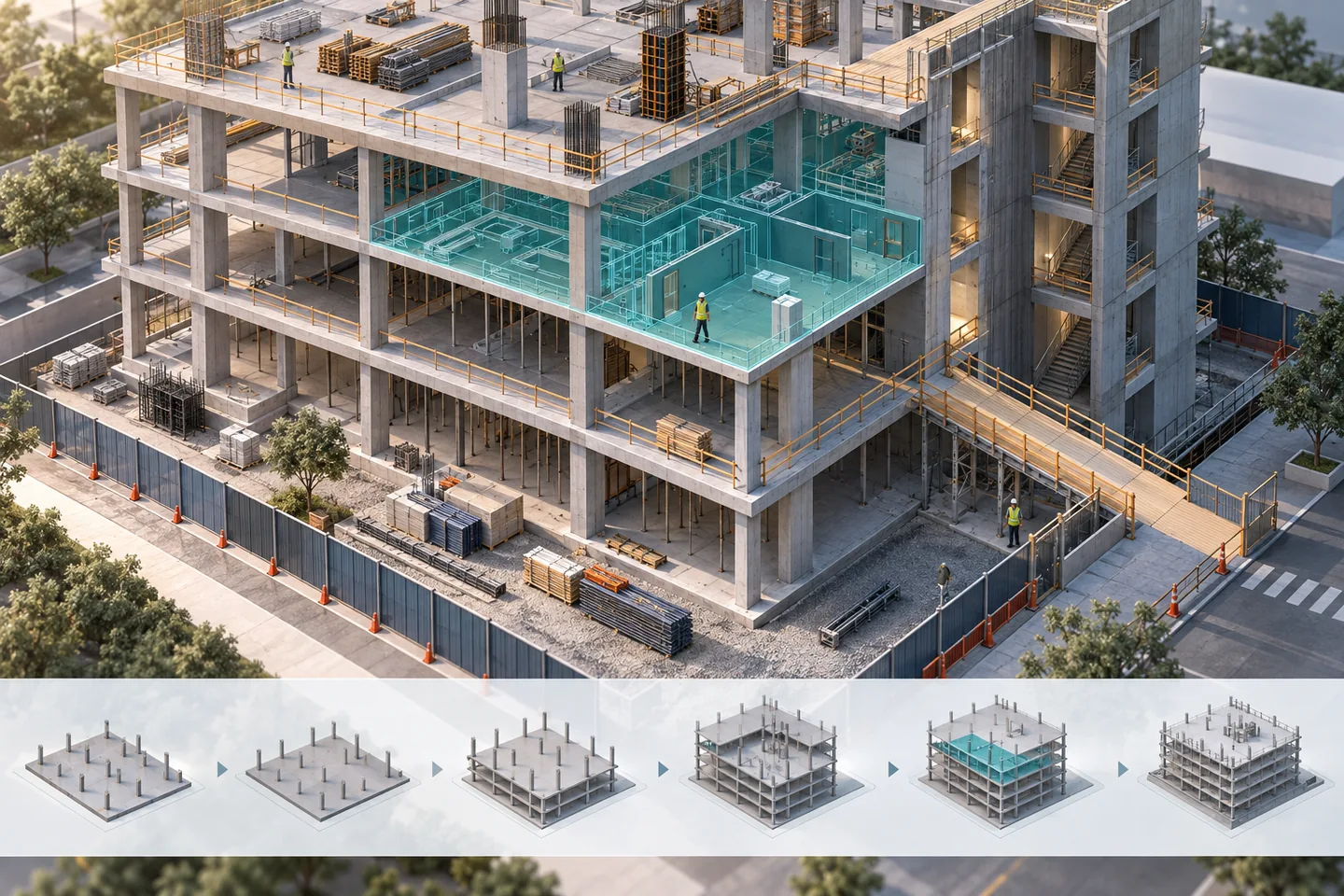
A sequence is a review instrument
AEC Magazine’s historical Birmingham Conservatoire case describes the use of four-dimensional information to communicate construction and progress. A useful lesson is to connect the visual sequence to the questions a project team must resolve. The review below is an original hypothetical example involving a concrete frame. It is not a reconstruction of that project, and the illustrative sequence is not an approved construction method.
Choose one decision window
Select a short interval such as the transition from one slab pour to the next. Identify the activities, objects and assumptions inside that window. State the programme revision and the model revision. Avoid presenting a project-wide animation as though every displayed activity has the same level of planning maturity. A small, clearly bounded review can reveal a missing prerequisite much faster than a long presentation with no defined question.
Check the links before interpreting the colours
Review which model objects are linked to each activity. Look for unlinked objects, objects linked to several incompatible activities and overly broad selections. A whole floor linked to one activity may hide separate pours or work fronts. Keep a register of exclusions and objects used only for context. If an activity has no model geometry, retain it in the review: procurement, inspections and approvals can still control the sequence.
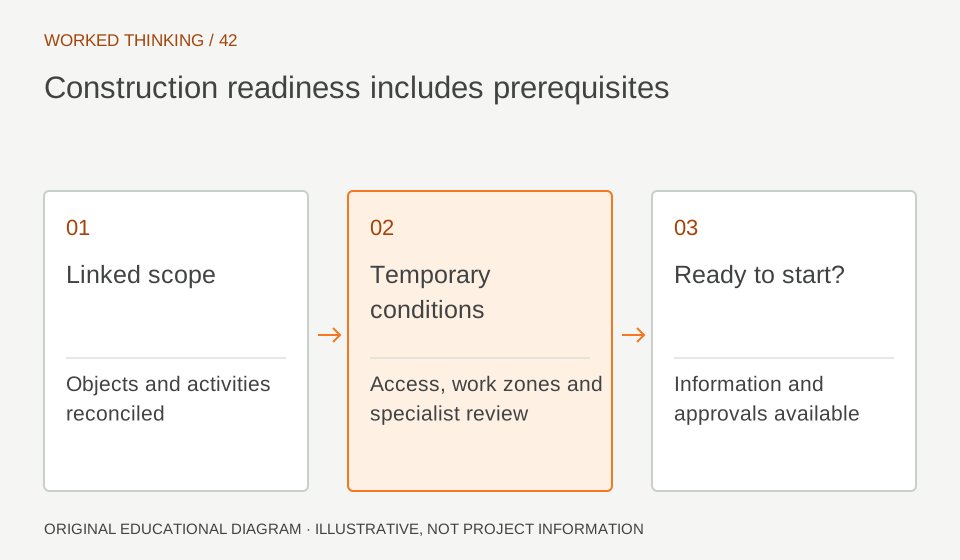
Read diagram notes
- Linked scope
- Objects and activities reconciled
- Temporary conditions
- Access, work zones and specialist review
- Ready to start?
- Information and approvals available
Make temporary conditions visible
Ask the construction team which temporary works, access routes, working zones and storage areas affect the decision. Represent them at a level appropriate to the discussion and label them as planning information. Do not imply that a temporary support arrangement has been designed merely because it appears in the model. The responsible specialists must review construction-stage stability, loading and safe methods through the project’s normal engineering procedures.
Review prerequisites as explicit questions
For each step, ask what must be ready before work can start. In the hypothetical frame, these questions may concern a preceding inspection, access to a pour location or release of a work zone. Record the answer, owner and required evidence outside the animation as well. A sequence that looks physically possible can still be blocked by an unresolved prerequisite. Keep assumptions visible until the appropriate team confirms them.
Distinguish planned and observed progress
Label the data date and the source of any actual-progress information. Do not change an activity to complete because geometry has been coloured green. Agree how completion is evidenced and how partial completion is represented. If the model cannot show the required level of detail, state that limitation. Compare planned and observed states only when they refer to compatible scope, dates and definitions of completion.
Finish with decisions the team can act on
Capture the affected activity and model identifiers, the question, agreed action, responsible role and due date. Save viewpoints that explain the issue without requiring the entire animation to be replayed. Update the sequence after accepted planning changes and keep the previous review reference. The value of the session is the quality of the resolved questions and remaining actions, not the cinematic quality of the final playback.