
Fix the two versions
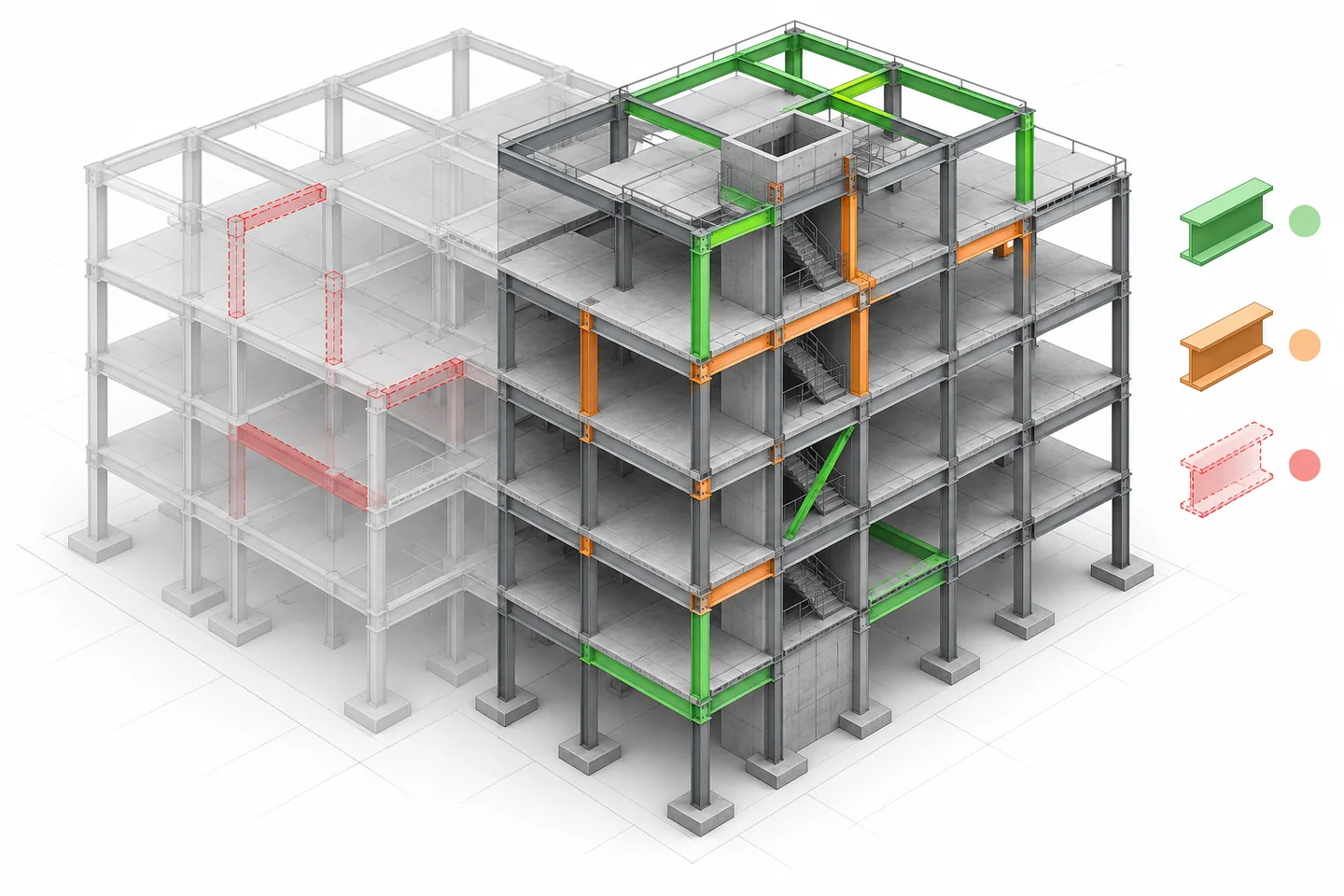
A revision comparison starts by naming both versions, their issue dates and their intended purposes. For a column line moved over a podium, compare the issued structural model with the incoming revision—not a local working copy. Record the coordinate basis and linked-model status, otherwise a placement difference may be confused with a changed design.
Classify before discussing
Sort differences into added, modified and removed objects, then separate identity, dimensional and location changes. A changed member mark may affect a schedule without moving geometry; a shifted grid may affect many objects at once. This classification prevents a long visual fly-through from hiding the few changes that require a decision.
Inspect the consequence
For the shifted column, review transfer members, openings, architectural partitions and MEP risers at the affected levels. Capture the object identifiers and a section through the interface. Do not label every highlighted object as an issue: some changes are expected consequences, while others require a response from a named discipline.
Read diagram notes
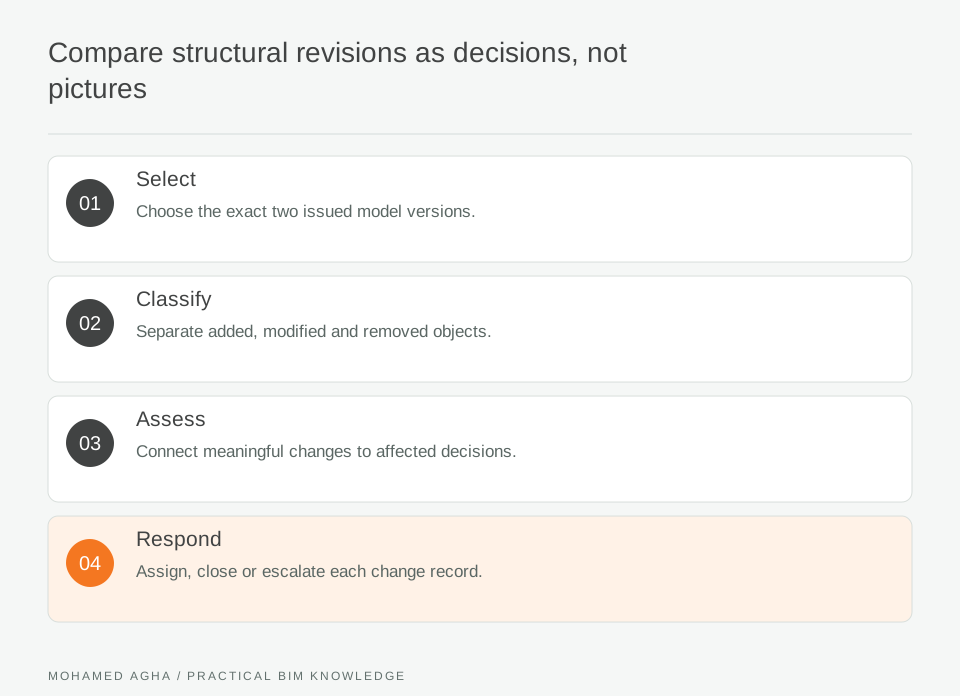
- Select
- Choose the exact two issued model versions.
- Classify
- Separate added, modified and removed objects.
- Assess
- Connect meaningful changes to affected decisions.
- Respond
- Assign, close or escalate each change record.
Use a disposition register
Each meaningful difference should receive an action: acknowledge, coordinate, request clarification, or escalate. Include the change source and the person who owns the next step. A clash tool can identify proximity, but it does not decide whether a revised column is structurally acceptable or whether a downstream drawing needs amendment.
Verify the received result
After a response, reopen the next controlled revision and check the specific object and property that prompted the action. Do not close an issue because a later model “looks better.” Compare the recorded expected outcome with the actual version. This also exposes changes that were reverted or changed again during coordination.
Retain a compact audit
Keep the version pair, change log, marked views and disposition history together. A comparison audit is evidence of what was reviewed, not a warranty that all model differences were found. It is especially useful when a later package asks why an interface moved or which team received the change.