
Use the operational question as the brief
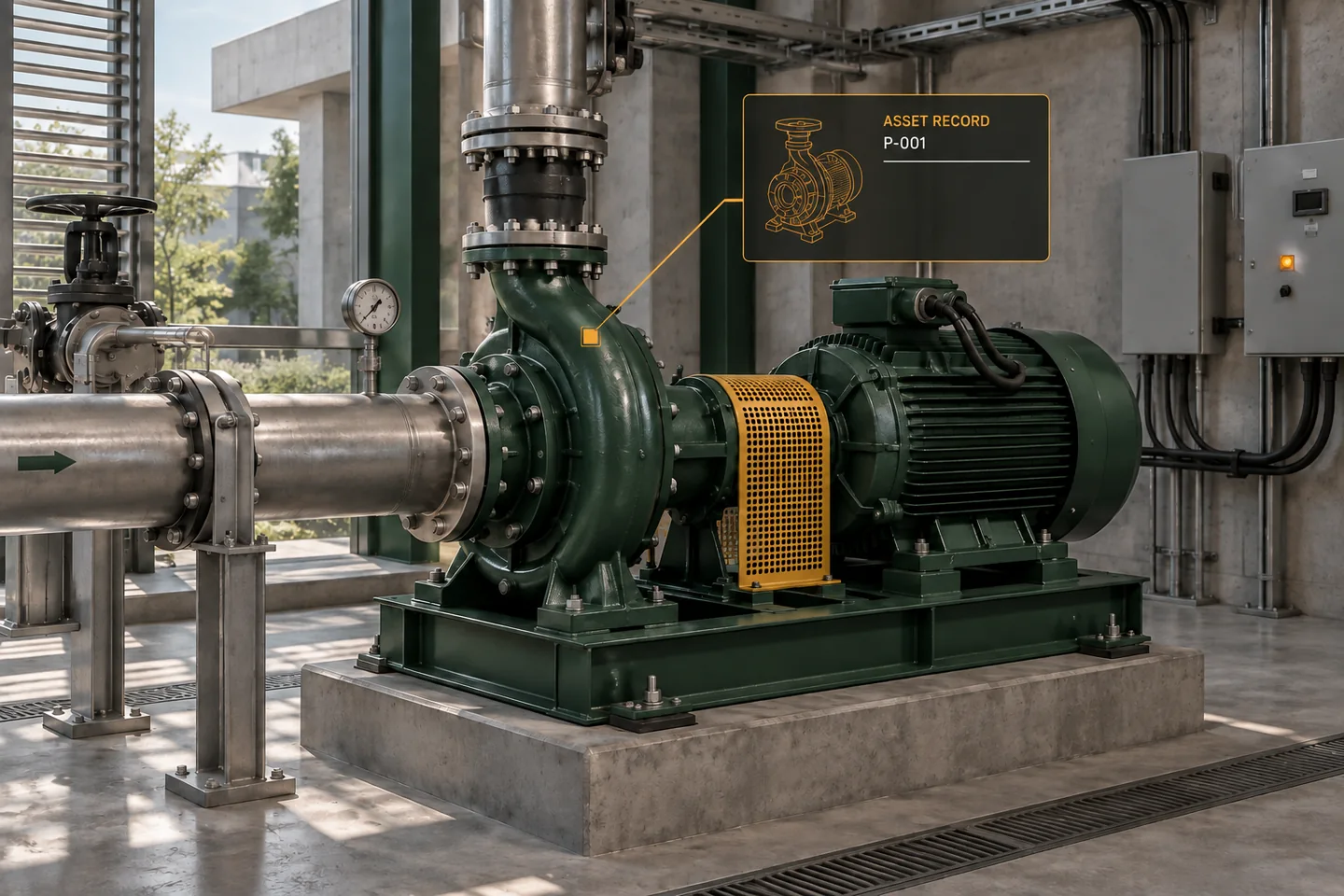
AEC Magazine’s Twinview coverage presents the connection between building models and operational information. Instead of starting with a platform comparison, a team can first test the information chain for one useful question. In the original example below, a facilities team wants to find a pump, inspect its maintenance status and identify the evidence behind that status. This is a workflow example, not a review of current product features.
Define what the user needs to decide
Write the task in ordinary language: which pump needs a maintenance review, where is it, and what record should the reviewer open? List the minimum information required to answer that question. A highly detailed pump family is not useful if the asset identifier does not match the maintenance record. Conversely, an approximate spatial representation may be adequate for navigation when the asset record is reliable and its limitations are clear.
Establish one durable asset identity
Choose a project asset identifier and document who creates and maintains it. Keep equipment serial numbers, model object identifiers and maintenance-system keys as related fields rather than assuming they are interchangeable. Record replacement events explicitly. A new pump installed at the same location may be a different asset with a different history. Preserve the relationship between the location, the equipment and its previous records instead of silently overwriting the old asset.
Read diagram notes
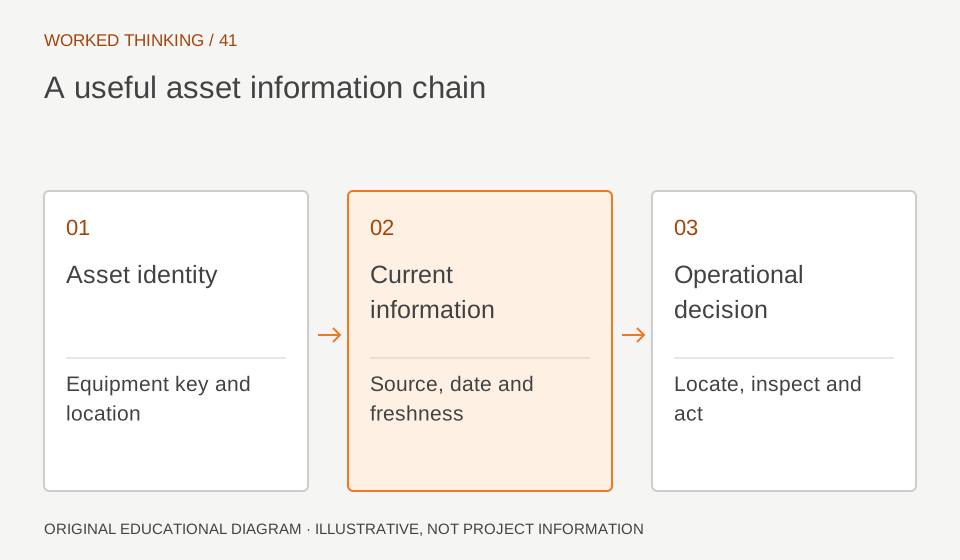
- Asset identity
- Equipment key and location
- Current information
- Source, date and freshness
- Operational decision
- Locate, inspect and act
Separate current, stale and unknown information
A dashboard should show when a value was last updated and where it came from. A missing reading is not a normal reading, and an old inspection is not a current inspection. Define a freshness rule with the operational team for each information type. Use an explicit unknown state when the rule cannot be evaluated. Colour alone should not carry this meaning; provide text and a link to the underlying record.
Test the failure path
Use a small, non-production sample. Deliberately remove one identifier, introduce a duplicate and make one update older than the agreed freshness window. Check whether the workflow exposes those conditions. Ask an operator to locate the physical asset using the model and the location description. If the model points to a room that has been renamed, the discrepancy needs an owner and correction process, not another dashboard tile.
Assign the update responsibility
Name the role responsible for each field and the event that triggers an update. Installation, replacement, inspection and refurbishment can all change the information needed by operations. Decide how a model change reaches the asset register and how disagreements are resolved. Keep an audit trail for accepted corrections. The BIM team should not be assumed to own every operational field simply because it produced the original model.
Scale only after the small chain works
Review whether the pilot helped the operator make the intended decision. Measure unresolved identifiers, stale records and correction time, rather than only counting connected assets. Expand to another asset class after the team can maintain the first one reliably. A useful digital twin begins with a dependable relationship between an asset, its information and a real operational task. More geometry cannot substitute for that relationship.