
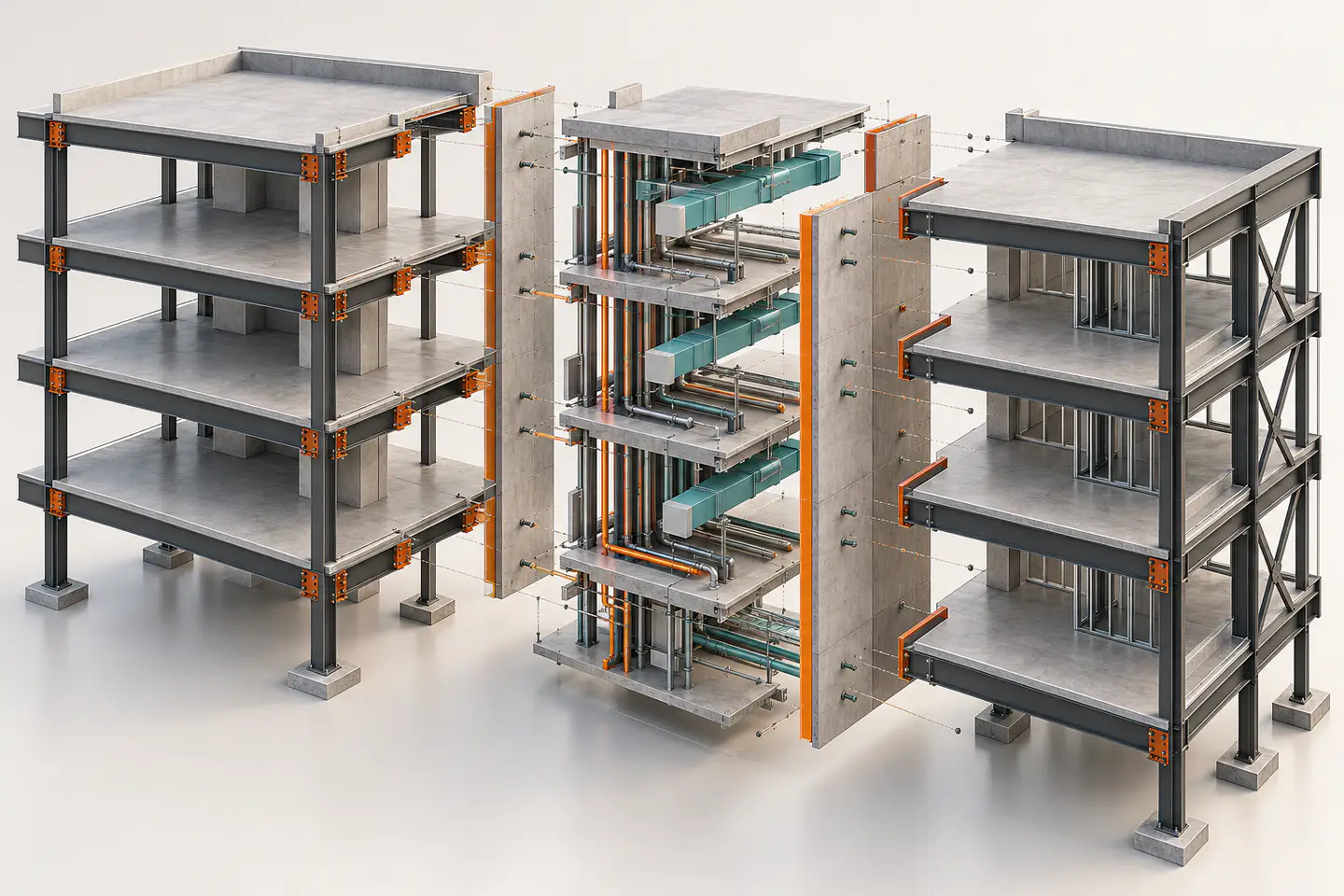
Segment around work and review boundaries
Split only where the project has a useful reason: discipline ownership, physically separate zone, package boundary or performance constraint. A small file is not automatically a coordinated file.
Name the shared edges
For every split, list elements or conditions crossing it: continuity bars, slab edges, grids, penetrations, levels, service routes and coordinate links. An unlisted boundary becomes a hidden design interface.
Declare element ownership
A column at a zone line, a foundation crossing a plot edge or a riser in two packages needs a named author and a rule for who updates downstream references. Shared visibility is not shared accountability.
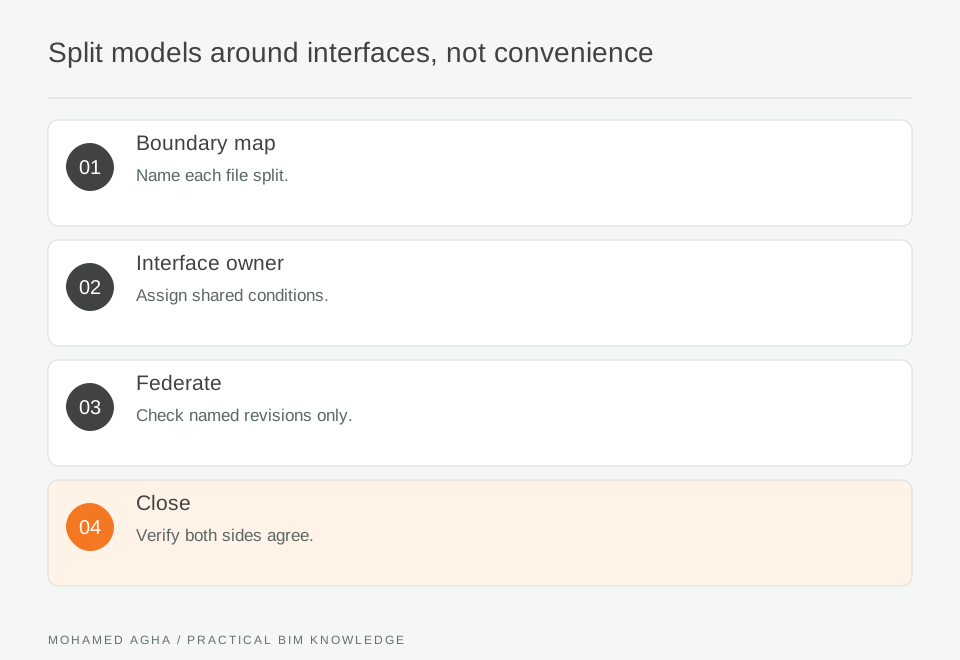
Read diagram notes
- Boundary map
- Name each file split.
- Interface owner
- Assign shared conditions.
- Federate
- Check named revisions only.
- Close
- Verify both sides agree.
Federate known revisions
The coordination set should list each source file, revision, date and issue status. Do not let automatic replacement turn an open issue into a comparison of unknown model moments.
Test continuity visually and in data
Use section views and schedules to check that each boundary has deliberate geometry, identifiers and relationship values. A clean gap can still conceal duplicated responsibility or a missing connection.
Change the split deliberately
When the project phases or team structure change, log the reason for moving a boundary and test links and identifiers again. Never move elements between files without preserving their traceability.
Worked example: transfer floor across two model zones
A tower is split into low-rise and high-rise structural files at a transfer level. The coordinator creates an interface sheet for columns, transfer beams, slab edges, grids and MEP reservations. The low-rise engineer owns the transfer members, while the high-rise model retains linked references only. In the federated view, the team checks that the same grid and level identifiers occur once and that openings are not duplicated. An issue reveals one column was authored in both models; its ownership is corrected before the package is issued. Inputs include named low-rise and high-rise files, a federated view and the interface register. The review finds a transfer-beam opening shown only in one file. Rather than copy geometry, the team identifies the design owner, references the opening across the boundary and reruns the section check. The output is an interface register with ownership, linked revisions and a closed coordination record.
Interface checklist
List crossing elements; nominate one owner per shared condition; reference the same levels and grids; federate named revisions; review sections at every boundary; log any deliberately duplicated reference objects.