

Agree what the quantity measures
A concrete quantity may represent modelled material, a net measurement under an agreed convention or an allowance used for a different purpose. Give the output a name that states its basis. Identify included categories, phases, linked models, openings and exclusions before comparing totals. Two spreadsheets can disagree even when both conversions are correct because one measures a different object set. Resolve that boundary before investigating decimal places.
Keep unit labels with the values
A CSV cell containing 1250 carries no reliable meaning on its own. Include quantity type and unit in the field definition and verify them after export. Length, area and volume require different conversion factors; copying a length conversion into a volume calculation produces a large systematic error. Keep model values, displayed values and exported values distinguishable in the checking sample. Avoid using a text field with a unit suffix as if it were a numeric measure.
Distinguish rounding from measurement
Presentation precision changes what a reader sees. It does not establish survey accuracy, manufacturing tolerance or measurement entitlement. Autodesk’s unit-format documentation describes display and rounding controls for schedules and labels. Inspect the field settings used by the actual output, including overrides. If a schedule uses a calculated field, record its formula and dimensional meaning separately from its display format. Do not infer the calculation solely from a rounded cell on a sheet.
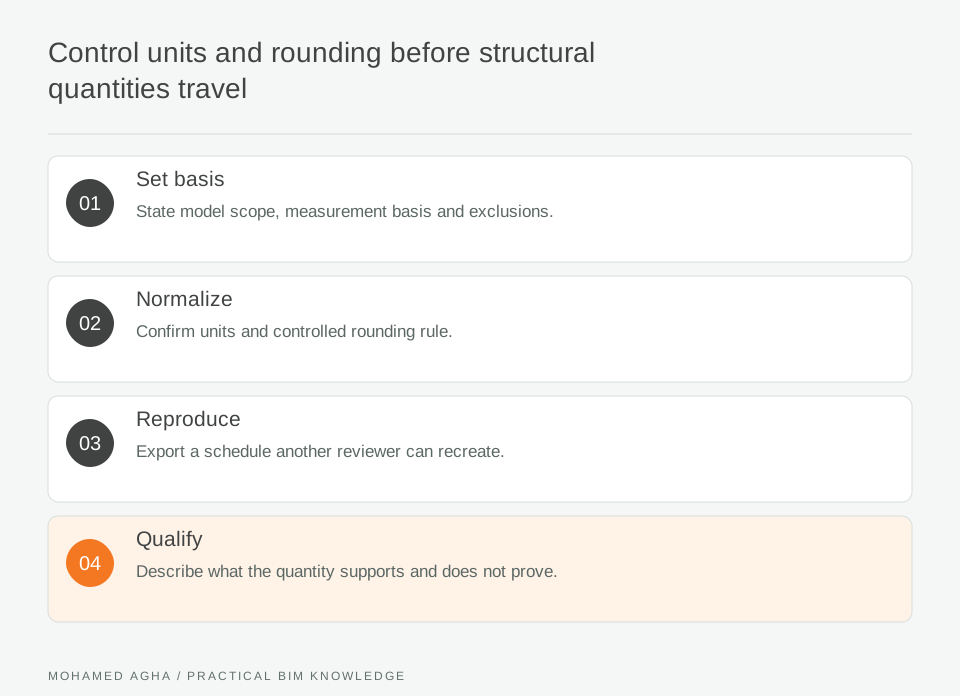
Read diagram notes
- Set basis
- State model scope, measurement basis and exclusions.
- Normalize
- Confirm units and controlled rounding rule.
- Reproduce
- Export a schedule another reviewer can recreate.
- Qualify
- Describe what the quantity supports and does not prove.
Test the total with a simple example
Take three hypothetical items of 1.24 units each. At one decimal place, their displayed rows read 1.2, 1.2 and 1.2, summing to 3.6. Summing the unrounded values gives 3.72, which displays as 3.7. Neither presentation explains itself unless the convention is stated. This example is arithmetic, not a claim about one software export. Use an equally small known dataset to discover whether your actual downstream workflow totals raw or already rounded values.
Look for losses at the spreadsheet boundary
Inspect decimal separators, blank cells, negative values and numbers imported as text. A quantity can appear in the right column while being ignored by a total. Reconcile a known member and a small group before accepting the full package. Compare identifiers as well as numbers so duplicated rows or omitted instances are visible. Save the import settings and the actual source export used for that check.
Issue the convention beside the result
A concise quantity note should identify model revision, selection rule, measurement basis, units, formulas and rounding convention. Include the small reconciliation example and any unresolved discrepancy. Quantities can then be used consistently for the agreed purpose without presenting them as an approved cost, procurement order or structural design result. Recheck the convention whenever the template, exporter or receiving spreadsheet changes.