

Design for the person using the information
AEC Magazine’s Dalux feature discusses the relationship between models, drawings and field information. The practical question is broader than the viewer: can a site engineer identify the right location, revision and issue quickly? This original workflow describes a compact review packet for a hypothetical structural opening. It does not replace the project’s approved drawings, construction procedures or formal technical-query process.
Start with one location and one question
State the building, level, grid or other agreed locator. Add the relevant object identifiers and a short question that requires a decision. “Please check the model” is too broad. A useful question might ask whether a proposed service route conflicts with the coordinated opening zone at a named location. Include enough neighbouring geometry to explain the problem, while hiding unrelated information that makes the view difficult to read.
Show the information status prominently
List the model revision, drawing revision and date of the packet. State the purpose and permitted use using the project’s agreed terminology. Do not rely on a filename alone to communicate whether information is current or authorised for the intended activity. If a model and drawing disagree, make the discrepancy explicit and route it to the responsible team. A visually convincing model view must not silently overrule an approved project document.
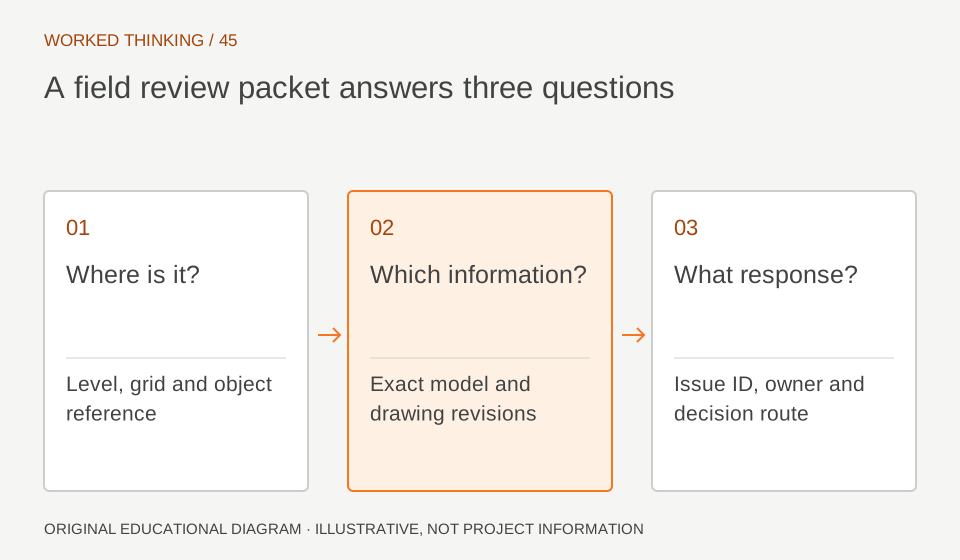
Read diagram notes
- Where is it?
- Level, grid and object reference
- Which information?
- Exact model and drawing revisions
- What response?
- Issue ID, owner and decision route
Prepare complementary views
Use a plan for location, a section for vertical relationships and a small three-dimensional view for context when each adds value. Keep consistent identifiers and orientation labels across the views. Dimensions should come from an appropriate verified source, not a rough measurement from a screenshot. Test the packet on the type of device the site team uses. A detail that is readable on a large monitor can be unusable on a small screen.
Make the response traceable
Connect the packet to an issue or query identifier, responsible role and requested response date. Ask the reviewer to record the decision and the evidence used. If the answer requires a design change, follow the relevant approval workflow before presenting it as an instruction to build. BIM coordination can help expose a problem; it does not transfer design authority to whoever assembled the most persuasive view.
Handle connectivity and superseded copies
Where offline use is part of the agreed workflow, test how a downloaded packet displays its revision and how a user checks for a newer issue. Avoid promising automatic synchronisation without testing the actual configuration. Give the team a clear place to obtain the current packet. Archive superseded copies with their history, but separate them from the normal route to current information so a quick search does not invite accidental reuse.
Review the packet with a site engineer
Ask a colleague unfamiliar with the issue to identify the location, explain the question and find the response route. Record any hesitation or missing context. Refine the packet before scaling it to many issues. A trustworthy field workflow is built from small, consistent information decisions: a clear location, a visible revision, an answerable question and an accountable response.