

Begin with the equipment, not an arrow
A mechanical equipment family is rarely a complete structural loading brief. A plant replacement may change operating weight, support locations, maintenance arrangements and dynamic effects while occupying almost the same space. Identify the equipment tag, supplier document revision and installation arrangement. Ask the originating discipline to distinguish confirmed information from provisional selections. The structural engineer needs to know which condition each value describes before deciding how it belongs in the analysis.
Keep force, mass and distribution distinct
A mass in kilograms, a force in kilonewtons and an area load in kilonewtons per square metre are different quantities. Do not move a number between those fields without a documented conversion and an agreed distribution. Record whether a supplied action acts at mounting points, along a support or across a stated footprint. The visible equipment outline does not establish how its load reaches the floor. Retain the original supplier value beside any derived coordination value.
Describe location and direction explicitly
Supply coordinates or referenced dimensions for each support, the relevant level and the direction convention. A plan arrow can hide an elevation or eccentricity that matters to the recipient. Revit documentation distinguishes point, line and area loads on analytical elements; that distinction is useful when organizing the handover, but the software representation does not decide the correct engineering idealization. Include a section through equipment supports so the reviewer can compare the physical arrangement with the proposed loading description.
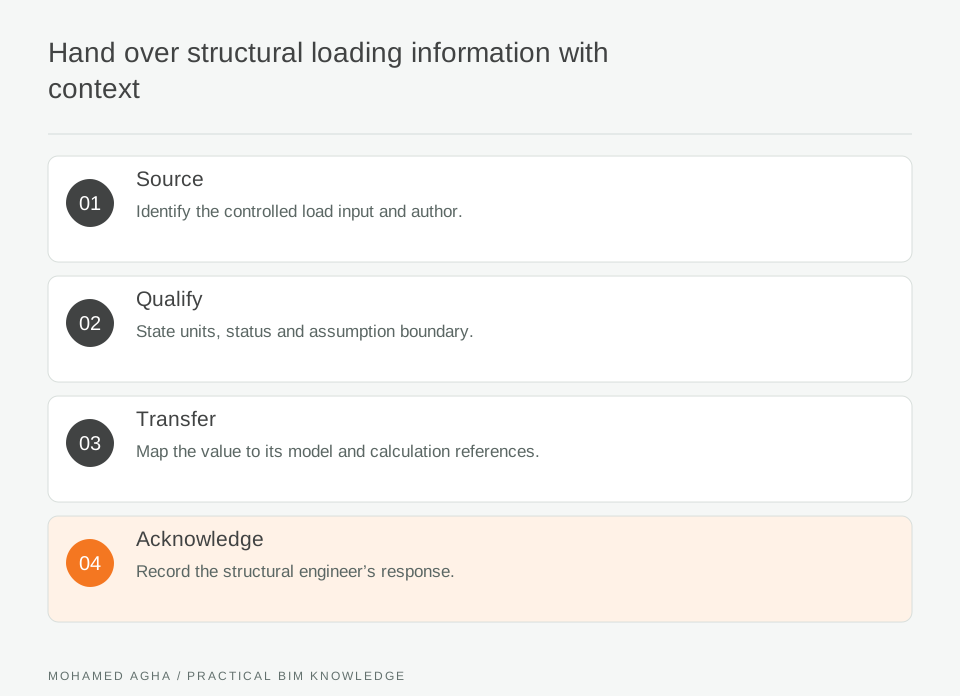
Read diagram notes
- Source
- Identify the controlled load input and author.
- Qualify
- State units, status and assumption boundary.
- Transfer
- Map the value to its model and calculation references.
- Acknowledge
- Record the structural engineer’s response.
Avoid silently adding the same weight twice
Make inclusions visible: equipment, contained liquid, support frame and any separate maintenance action should have their own descriptions. Ask who accounts for each item. A model-derived self-weight and a supplier package weight may overlap. Instead of guessing which is authoritative, raise an explicit reconciliation question. Load cases, combinations and design factors belong to the responsible structural design process and applicable project basis; the BIM manager should preserve their provenance rather than invent them.
Work through a plant-room change
Suppose a replacement unit moves from four feet to two support rails. The equipment tag remains unchanged, so a name-only comparison misses the important difference. Request the revised support drawing and loading schedule, mark the earlier handover superseded, and compare rail positions with the structural framing below. Record the structural engineer’s response before updating the accepted coordination model. If a rail crosses an opening, keep that interface as a linked action rather than treating the loads table as its approval.
Deliver a small, reviewable package
Issue an equipment-and-load register, referenced support views and the originating documents as one revision. Include information date, units, operating condition, unresolved items and the recipient’s response. The acceptance question is whether the engineer can identify and interpret the supplied actions, not whether the BIM file contains attractive load graphics. Keep later supplier changes connected to the same equipment identity so downstream checks can be reopened deliberately.