
Define the temporary condition
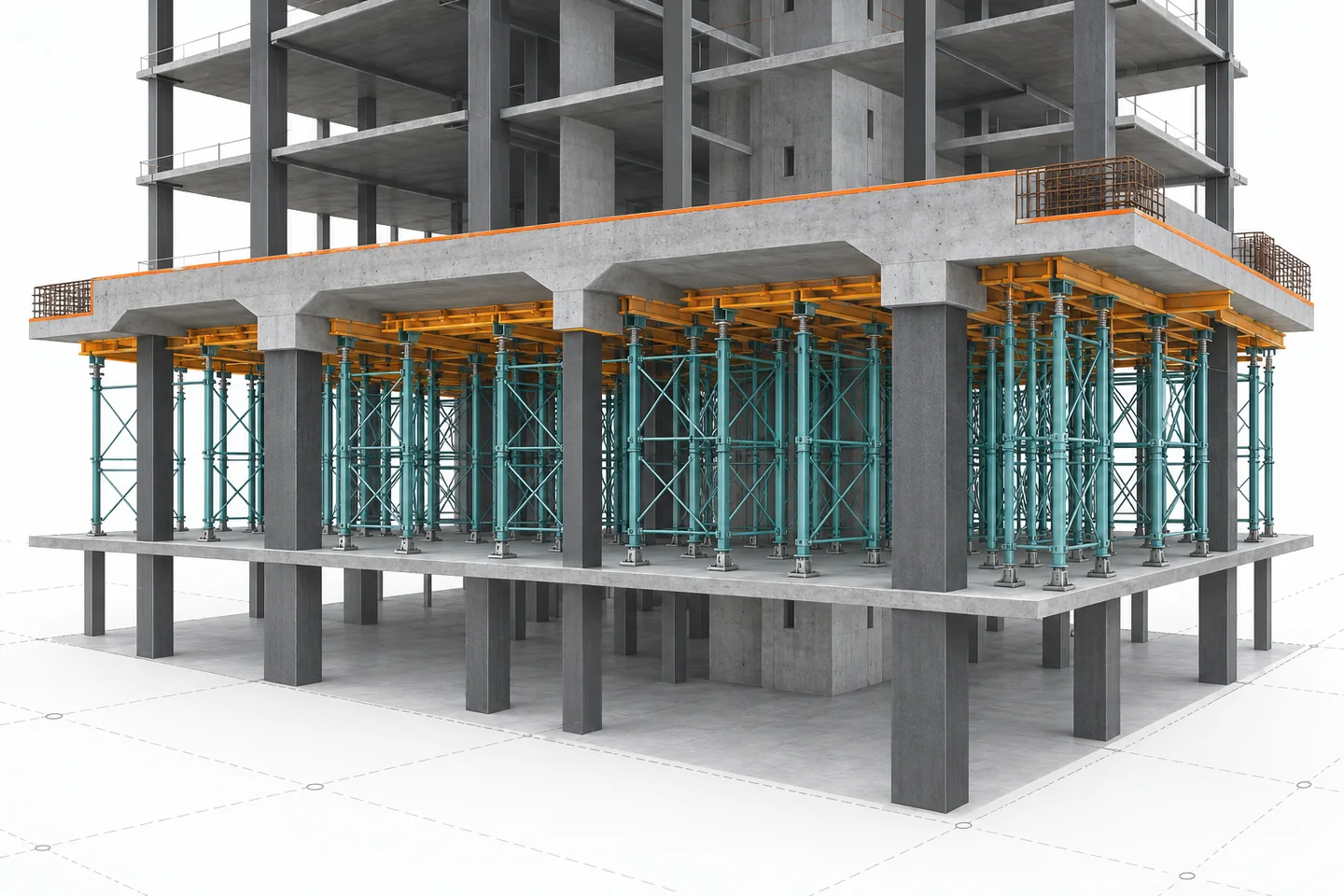
A temporary-works model should answer one construction question, not become a second permanent design model. Consider a transfer slab that needs propping while the level below remains open for deliveries. State the stage, the intended user, and the date at which the view stops being valid. The permanent frame and the temporary system must be visually distinct. A modeller can communicate their relationship; the temporary-works designer remains responsible for the design and approval of the support arrangement.
Give props their own identity
Do not model props as anonymous columns. Give each group a type, location reference and status that explains whether it is illustrative, proposed for review, or issued from an approved temporary-works package. Separate props, needles, bracing and access restrictions from the permanent structural categories. This prevents a quantity schedule or coordination filter from mistaking temporary equipment for completed works.
Show the load path without claiming capacity
A sectional view can show slab, support points, props, base plates and the receiving floor. That view helps a coordinator identify blocked routes or clashes with MEP. It does not establish load capacity, bearing pressure, stability, sequence, or safe installation. Link the model item to the approved temporary-works design reference rather than reproducing assumptions from memory.
Read diagram notes
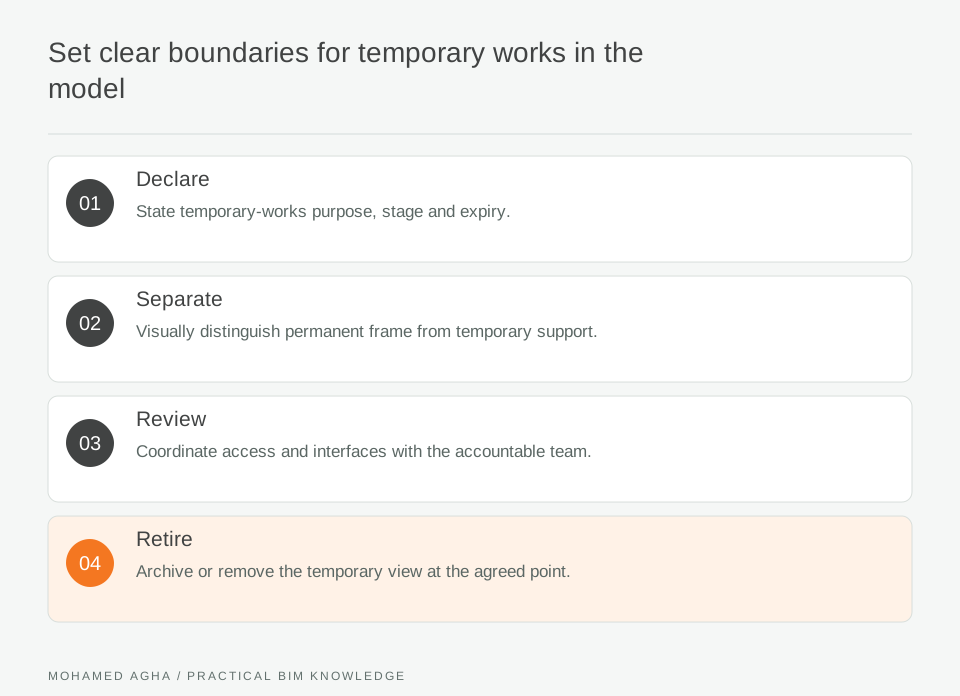
- Declare
- State temporary-works purpose, stage and expiry.
- Separate
- Visually distinguish permanent frame from temporary support.
- Review
- Coordinate access and interfaces with the accountable team.
- Retire
- Archive or remove the temporary view at the agreed point.
Model removal as a stage
The most useful question is often what changes when props are removed. In the transfer-slab example, publish a separate stage view for “in place” and “removed”; do not hide the change in one evolving model. Identify any dependent activities, restricted zones and the party that confirms release. This makes the sequence reviewable by site, logistics and design teams.
Issue a limited coordination set
The issue set should include the model revision, stage label, a short scope note, the approved-design reference and open coordination actions. Check that the view opens correctly for recipients and that temporary objects do not leak into permanent drawings. A dated PDF may communicate the stage to site teams, while the controlled temporary-works process governs any instruction.
Close and archive deliberately
When the stage ends, archive the view with its issue date and decision record. Do not delete it if it explains a later query, but do not leave it active beside current permanent views. Closure means the coordination action is complete. It does not certify temporary stability, safe dismantling or compliance with the project’s temporary-works procedures.